For enthusiasts
A build sheet and a service log worth showing off.
You know what's on your car. Now it's written down: every part with its number, every service with its mileage, and a history that makes the next owner believe you.
Free in your browser today. No account needed.

What you get
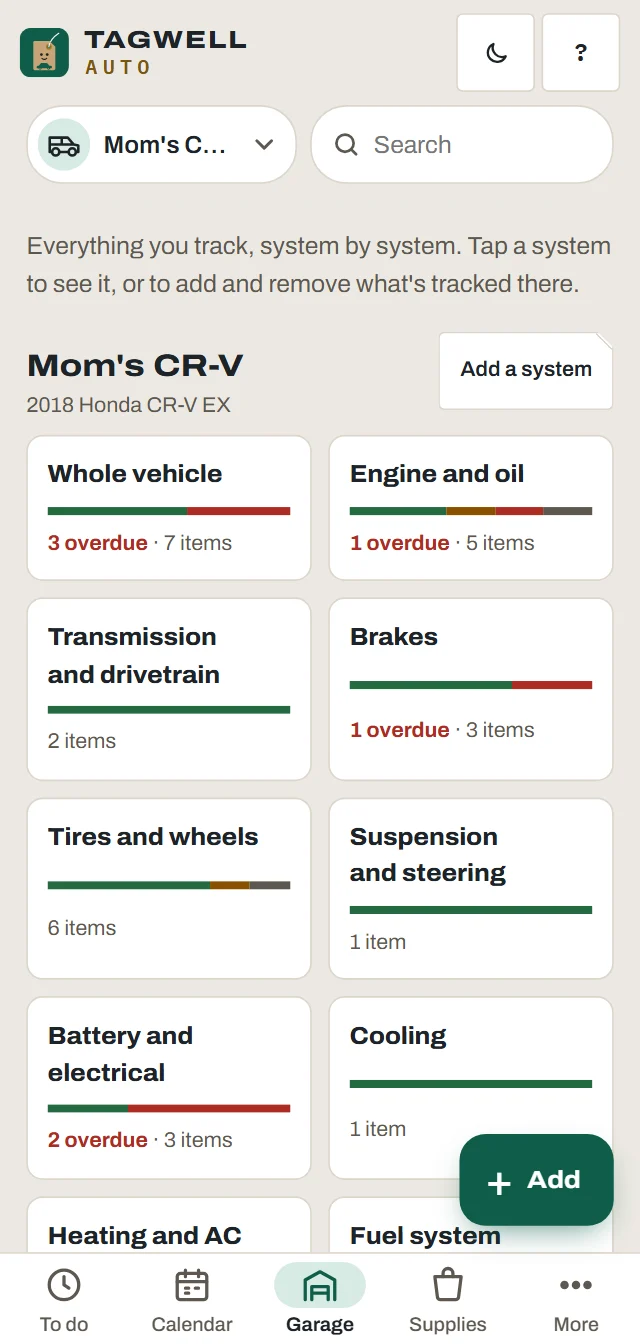
Specs and parts on file
Oil type and capacity, filters, plugs, wiper sizes, tire size and pressures, bulbs and battery group, saved once. Search by part number.
Components and warranties
When each part went on, at what mileage, and how long its warranty runs by miles and years.
Aftermarket mods
Tick "Aftermarket mods" and add your own items in your own words, with their own intervals.
Engine hours
Track by odometer, engine hours or both. Hours are the honest measure for track days, idling and anything with a PTO.
Weekend, classic and stored cars
Tell it the car is a weekend or seasonal one. Jobs that run on time still come up when the miles don't.
Motorcycles
Chain care, valve clearance checks and motorcycle oil, on a plan built for a bike.
The log
Every service, with its mileage
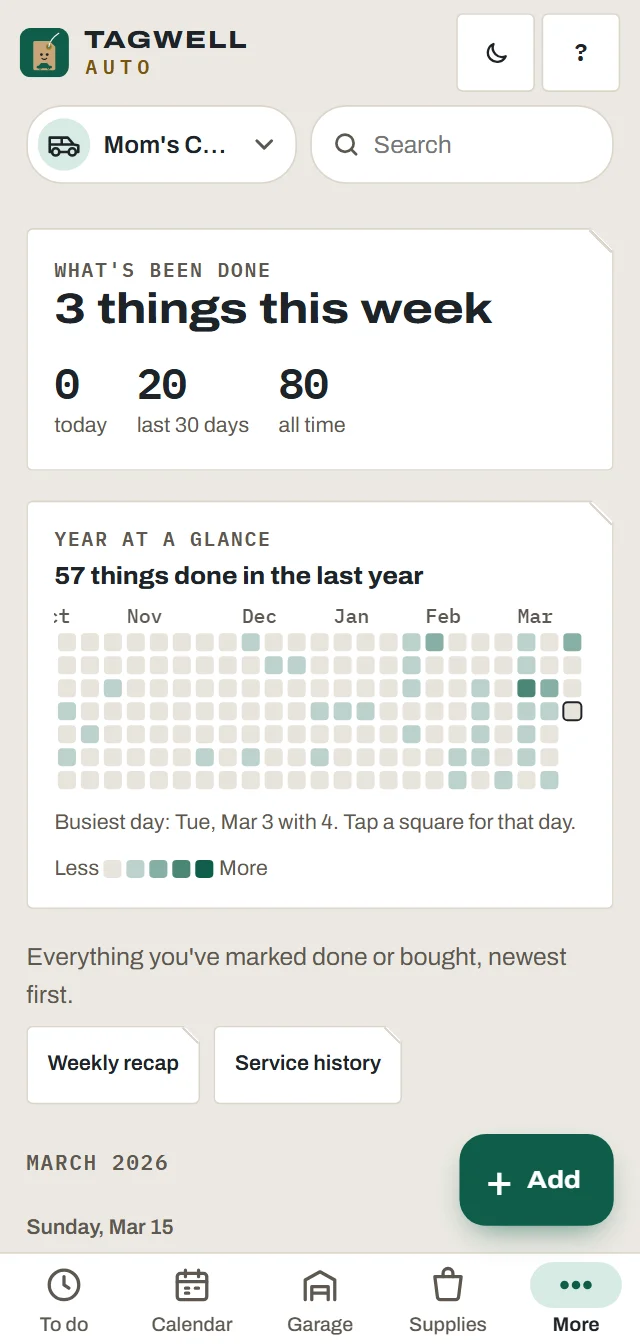
Mark a job done with the date, odometer, cost, shop and a photo of the receipt. The history is yours, on your phone, and it goes where you send it.
- Search by job, part number, VIN or plate
- Photos with each job
- A year at a glance, and your streak
Selling
A history you'd hand to a buyer
The service history PDF is set up for a sale: the full VIN, every service with its mileage, and no costs or personal notes. Like a Carfax you control.
- Service history PDF and spreadsheets (Plus)
- A history file the next owner opens in their own app, free
- Sell prep and storage prep jobs (Plus)
Tires
Tread, age and rotation
Log tread depth by position and type the DOT digits. It works out the age, warns at 6 years, and shows the rotation pattern for your drivetrain.
- Warnings at 4/32 and 2/32 of an inch
- Seasonal swap reminders
- Uneven wear is flagged
Free tools, no app needed
Things to play with right now.
What's next
Coming soon for the garage
Not in the app yet.
Questions
Good to know
Can I track parts with part numbers?
Yes. Specs on file keeps the numbers for oil, filters, plugs, wipers, bulbs and the battery, and components keeps what was fitted and when. Search finds any of them.
Does it read codes from my car?
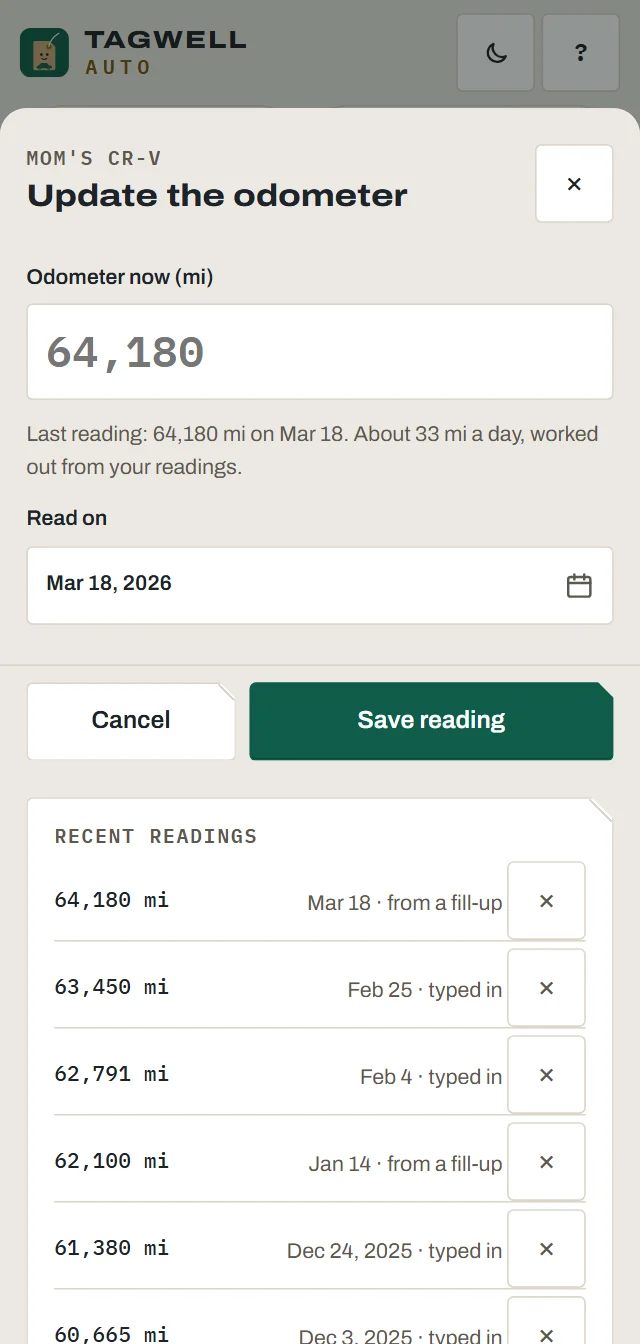
Yes, in the phone app, with a Bluetooth OBD-II reader plugged into the car's diagnostic port. It reads the trouble codes, battery voltage and the odometer, and explains each code. The site also has a free OBD-II code lookup.
Does it work for a car that's stored half the year?
Yes. Mark it as seasonal or stored. Jobs that run on time still come due, and storage mode holds the mileage reminders until it comes back out.
Can I track by engine hours?
Yes. A vehicle can count by odometer, engine hours, both or neither.
Is the service history an official report?
No. It's your own record: dated, with mileage and photos if you add them. It never claims to be an official history report.