For rideshare and delivery drivers
Your car is your income. Keep it earning.
Lots of miles, short trips and idling wear a car out faster. Tagwell Auto puts you on the severe schedule, reminds you by miles, and keeps a mileage log you can hand to a tax professional.
Free in your browser today. No account needed.

What you get
The severe schedule
Oil, brakes and filters come up sooner for rideshare and delivery. Tagwell Auto switches you to it and says why.
Reminders by miles
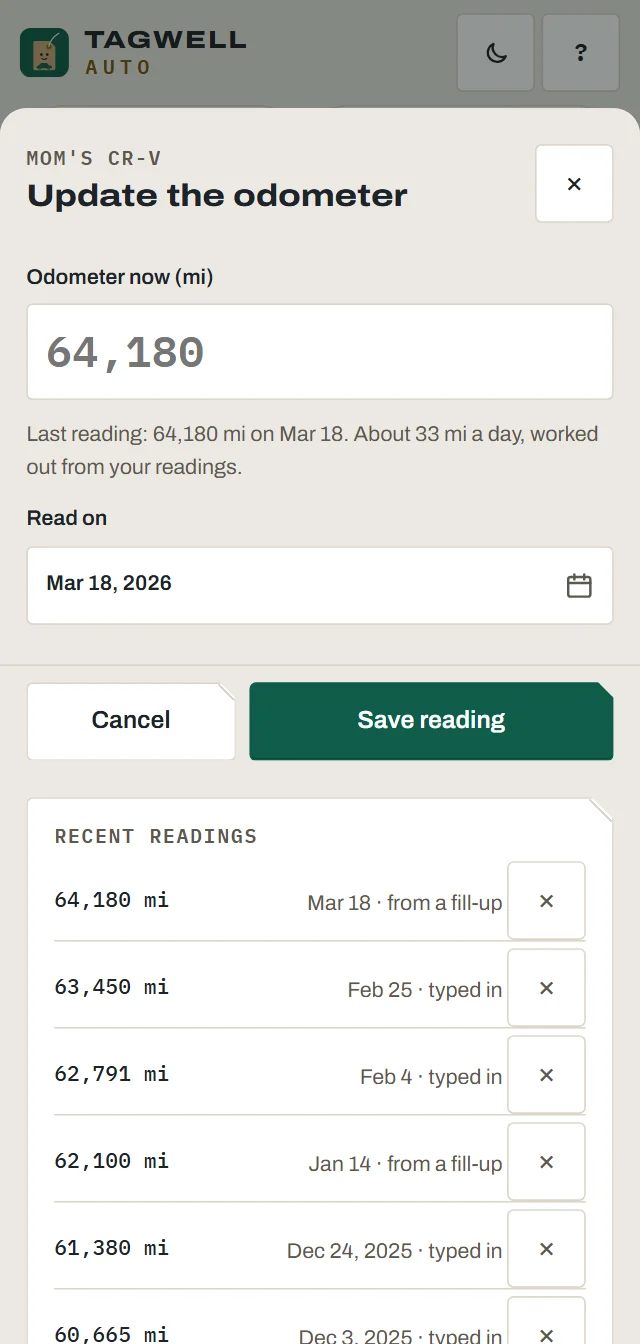
At 1,000 miles a week, months don't mean much. Jobs come due when the odometer says so.
Business mileage log Plus
Start a shift, end a shift. Or add trips one at a time. Not tax advice.
Cost per mile
Fuel, service, insurance and fees divided by the miles you drove.
Pre-shift checks
Tires, lights, fluids and a clean cabin in two minutes, with your odometer logged.
Paperwork deadlines
Registration, inspection, insurance and your permit, each with a reminder.
Mileage
A log that holds up
Each trip has a date, the miles, a purpose and where you went. Export the year as a spreadsheet. You type the rate per mile yourself, so it's never out of date.
- Shift mode: one tap at the start, one at the end
- Personal and business miles kept apart
- Not tax advice. Ask a tax professional what you can claim
Fuel
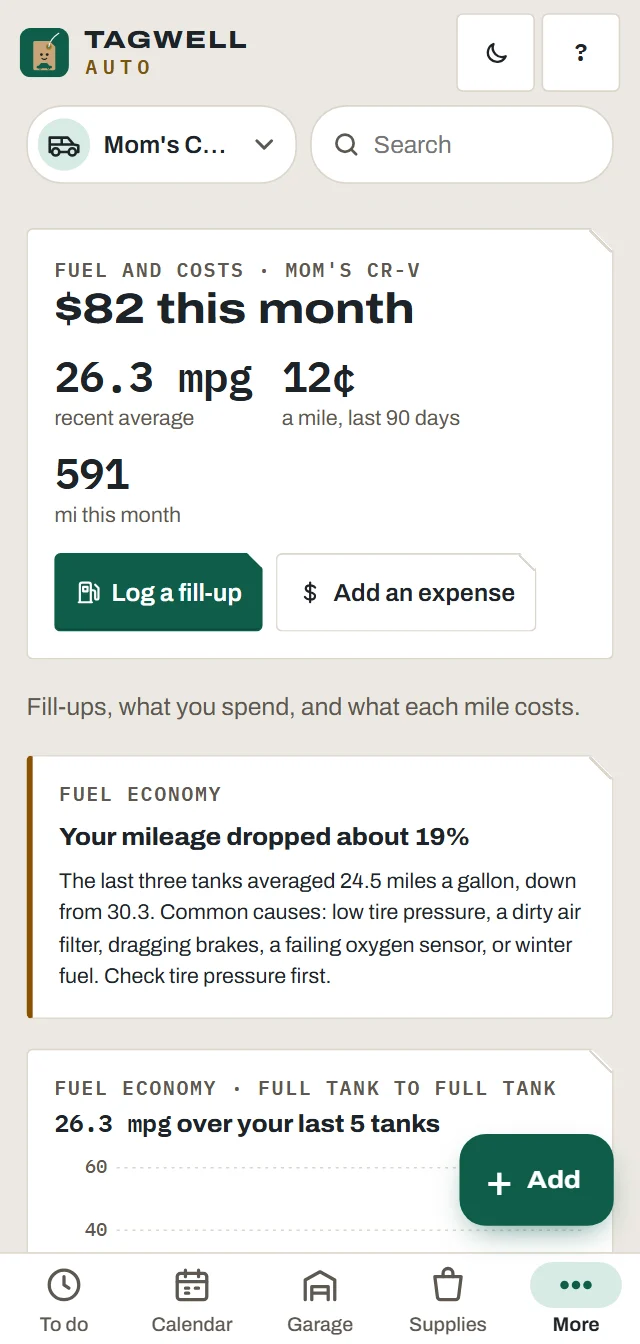
Spot a problem at the pump
Tagwell Auto works out MPG from one full tank to the next. If your fuel economy drops by more than 15%, it tells you, with the usual causes to check.
- Low tire pressure, a dragging brake, a dirty air filter
- Gas, diesel, hybrid and electric
- Station and price per gallon, if you want them
Records
Show the car was looked after
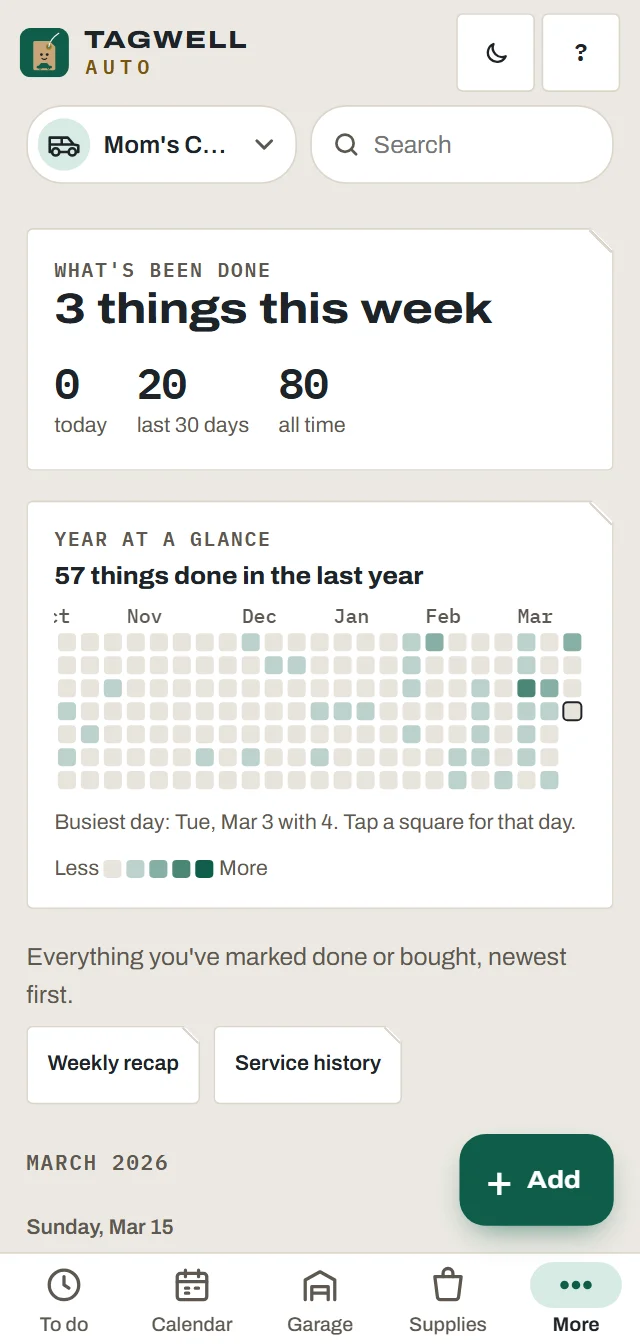
Platforms and insurers sometimes ask for inspection and service records. Keep every job with its date and mileage, and export a clean PDF when someone asks.
- Service history PDF and spreadsheets (Plus)
- Photos of receipts with each job
- A history file for the next owner when you sell
Questions
Good to know
Why am I on the severe schedule?
Carmakers list stop-and-go driving, short trips, long idling and heavy use as severe service. Rideshare and delivery are all of those. You can turn it off for any vehicle.
Does it track my trips by GPS?
No. Tagwell Auto never tracks your location. You enter the odometer at the start and end of a shift, or type the miles for a trip.
What mileage rate does it use?
The one you type. Rates change every year, so the app doesn't guess. Look up the current rate from your tax authority. Not tax advice.
Is the mileage log free?
The business mileage log is part of Tagwell Auto Plus in the phone apps.
Can I use it for a second car?
Yes. More than one vehicle is part of Plus in the phone apps. One trailer or camper rides free with your one vehicle.